
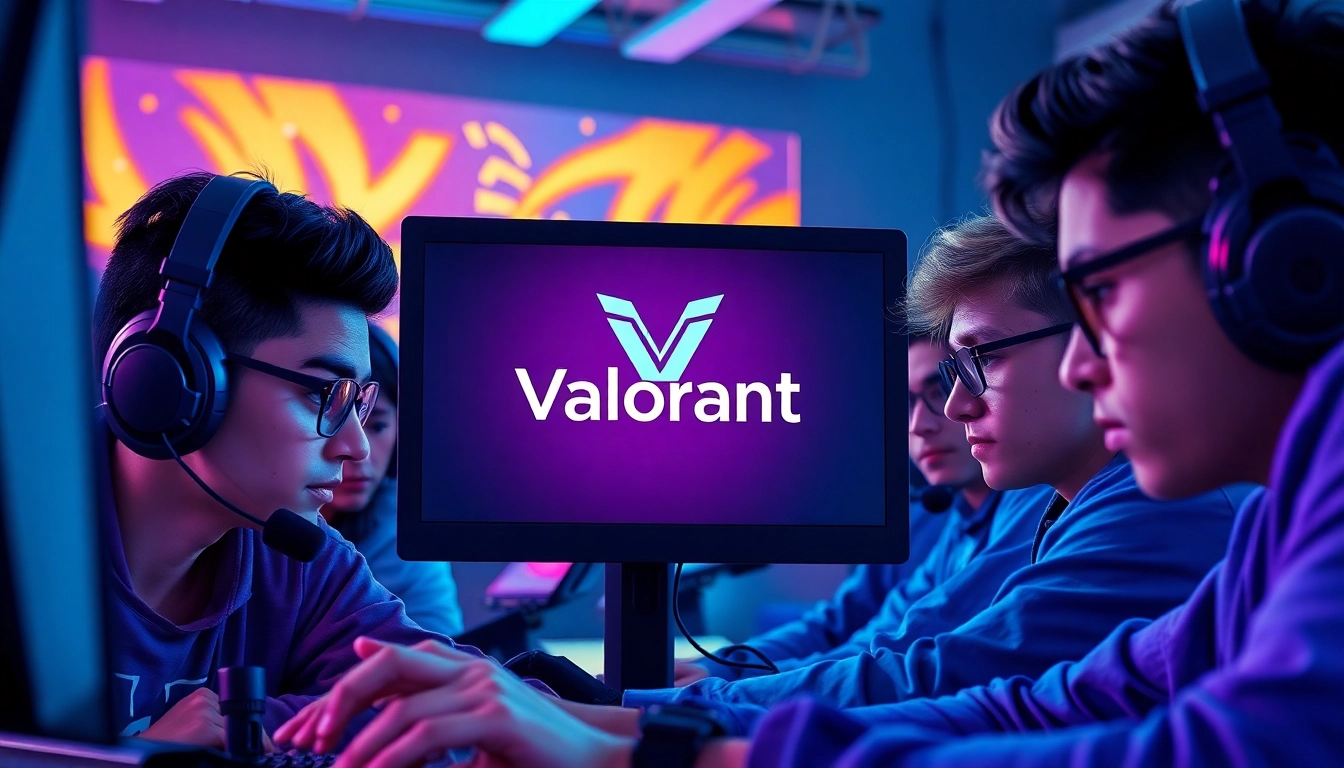
Understanding Valorant and Its Gameplay
What is Valorant?
Valorant is a team-based tactical first-person shooter developed to offer a unique blend of smart strategy and precise gunplay. At its core, the game revolves around a 5v5 structure, where players choose from an array of characters, known as “agents,” each equipped with unique abilities that can dramatically alter gameplay dynamics. Valorant stands out in the crowded FPS genre, not just for the gun mechanics, but also for how abilities can complement strategic play, making each match a riveting blend of tactical execution and individual skill.
Core Mechanics of Valorant
The gameplay of Valorant emphasizes team coordination and tactical decision-making. Players must navigate a range of beautifully crafted maps while deploying various strategies to outsmart their opponents. The core mechanics include:
- Agent Selection: Each agent has a unique set of abilities that can be deployed to gain tactical advantage, including healing teammates, creating barriers, or detecting enemies.
- Shooting Mechanics: Valorant incorporates a range of weapons, each with distinct handling characteristics, including recoil patterns that players must master.
- Economy Management: Players earn in-game currency based on match performance, allowing them to buy weapons and abilities in subsequent rounds, which adds another layer of strategy.
The Impacts of Game Updates
Riot Games frequently updates Valorant to introduce new agents, maps, and game modes while balancing existing content. These updates are crucial for maintaining a fresh gameplay experience. Each patch notes the adjustment in agent balance and weapon mechanics, impacting the meta-game—the prevailing strategies that players employ. Staying abreast of these changes can significantly enhance your competitiveness.
Preparing for Your Valorant Download
System Requirements for Valorant
Before diving into the action, it’s essential to check that your system meets the required specifications to run Valorant smoothly. The following are the minimum and recommended system requirements for a seamless experience:
Minimum Requirements:
- OS: Windows 7/8/10 (64-bit)
- Processor: Intel Core 2 Duo E8400
- RAM: 4GB
- Graphics Card: Intel HD 3000
- VRAM: 1GB
- DirectX: Version 11
Recommended Requirements:
- OS: Windows 7/8/10 (64-bit)
- Processor: Intel i3-4150
- RAM: 8GB
- Graphics Card: Geforce GT 730
- VRAM: 1GB
- DirectX: Version 11
Creating Your Riot Games Account
To download and play Valorant, you must begin by creating a Riot Games account. This account allows you to access the game, manage your profile, and stay connected with game updates. The process is straightforward:
- Visit the official Riot Games website.
- Click on the “Sign Up” button.
- Fill in the required information, including your email and a secure password.
- Verify your email address through the confirmation link sent to your inbox.
- Congratulations! Your account is now ready for use.
Choosing the Right Platform for Download
Valorant is primarily available for Windows PC. However, it’s crucial to select the right platform within the specifications of your device. As of now, there are no official releases for macOS or console platforms, emphasizing the importance of ensuring a stable and compatible Windows environment.
How to Download Valorant
Step-by-Step Guide to Valorant Download
Once you have your system ready and your Riot Games account set up, you’re ready to start your valorant download. Follow these steps:
- Visit the official Riot Games website or Valorant’s official page.
- Locate the “Download” section, usually visible on the homepage.
- Click the download button to get the Riot Client. This client is essential for launching Valorant.
- Once the installer has downloaded, locate it in your designated download folder and launch it.
- Follow the on-screen instructions to install the Riot Client on your PC.
- After installation, open the Riot Client and log in with your account credentials.
- Locate Valorant in the library and click ‘Install’. The client will handle the download process for you.
Troubleshooting Download Issues
Occasionally, users may encounter hurdles during the download process. Here are common troubleshooting methods:
- Check Internet Connection: Ensure that your internet connection is stable and has adequate speed for downloading.
- Firewall/Antivirus Settings: Sometimes firewalls or antivirus software can interrupt downloads. Consider temporarily disabling these services, but ensure to re-enable them afterward.
- Reboot the Client: If the download halts, restarting the Riot Client or your device can often resolve the issue.
- Check Server Status: Sometimes, outages or maintenance on the game’s servers can lead to download difficulties. Check the official Riot Games Twitter or support page for updates.
Understanding Download Size and Time
Valorant generally has a download size of around 7–8 GB, which may vary depending on updates and additional resources. The time it takes to download can depend on several factors, including your internet speed:
- At 10 Mbps, the download will take approximately 1.5 hours.
- At 25 Mbps, this can reduce to about 30 minutes.
For optimal downloading, ensure your network is not being used by multiple devices simultaneously to allow for maximum bandwidth availability.
Installing Valorant on Your Device
Installation Steps for Windows
Once the download completes, the next step is to install Valorant. Follow these steps for installation on Windows:
- Locate the Valorant icon within the Riot Client once the download is complete.
- Click on ‘Install’ and wait for the process to finalize.
- After the installation, you may be prompted to update the game—make sure to allow this to ensure you have the latest version.
- Once installed and updated, hit ‘Play’, and you’re ready to enter the Valorant battlefield.
Installation Steps for macOS
As of now, Valorant is not officially supported on macOS. Players interested in playing on a Mac should consider using Bootcamp or other virtualization software to run Windows, ensuring that your gaming hardware meets Valorant’s requirements.
Common Installation Errors and Fixes
Users may encounter errors while installing Valorant. Some common issues include:
- Error Code 7: Usually associated with the Riot Client; ensure your PC is fully up to date with Windows updates.
- Quick-Fails: If the installation fails quickly, check for sufficient disk space, and ensure your antivirus isn’t blocking the installation process.
- Update Errors: Occasionally, these arise from file corruption. Running a repair through the Riot Client can resolve these issues by validating game files.
Maximizing Your Valorant Gameplay
Tips for an Enhanced Gaming Experience
To truly excel in Valorant, players should focus on enhancing both their individual skill sets and teamwork capabilities. Here are some actionable tips:
- Communication: Use voice chat or in-game typing to communicate effectively with your team. Call out enemy locations, share resources, and strategize together.
- Practice Regularly: Utilize the shooting range and practice modes to sharpen your aim and understand agents’ abilities more thoroughly.
- Watch and Learn: Observe gameplay from professional players or streamers to learn advanced strategies and gameplay mechanics.
Joining the Valorant Community
The Valorant community is vast, encompassing a wide range of players from casual gamers to competitive eSports players. Engaging with this community can enhance your gaming experience:
- Forums and Discords: Many forums, subreddits, and Discord servers revolve around Valorant. Here, players share tips, strategies, and even find teammates.
- Clans and Teams: Consider joining or forming a clan. This can foster teamwork and improve your overall experience in the game.
Exploring Competitive Play and Beyond
Valorant offers competitive play that allows players to participate in ranked matches. To excel, players should focus on the following:
- Map Knowledge: Understanding each map’s layout, including callouts and strategic hiding spots, can be the difference between victory and defeat.
- Agent Mastery: Specializing in a few agents that suit your playstyle will allow you to maximize your contributions to the team.
- Adaptation: Being adaptive to your team’s dynamics and the enemy’s strategy can greatly enhance your chances of winning competitive matches.