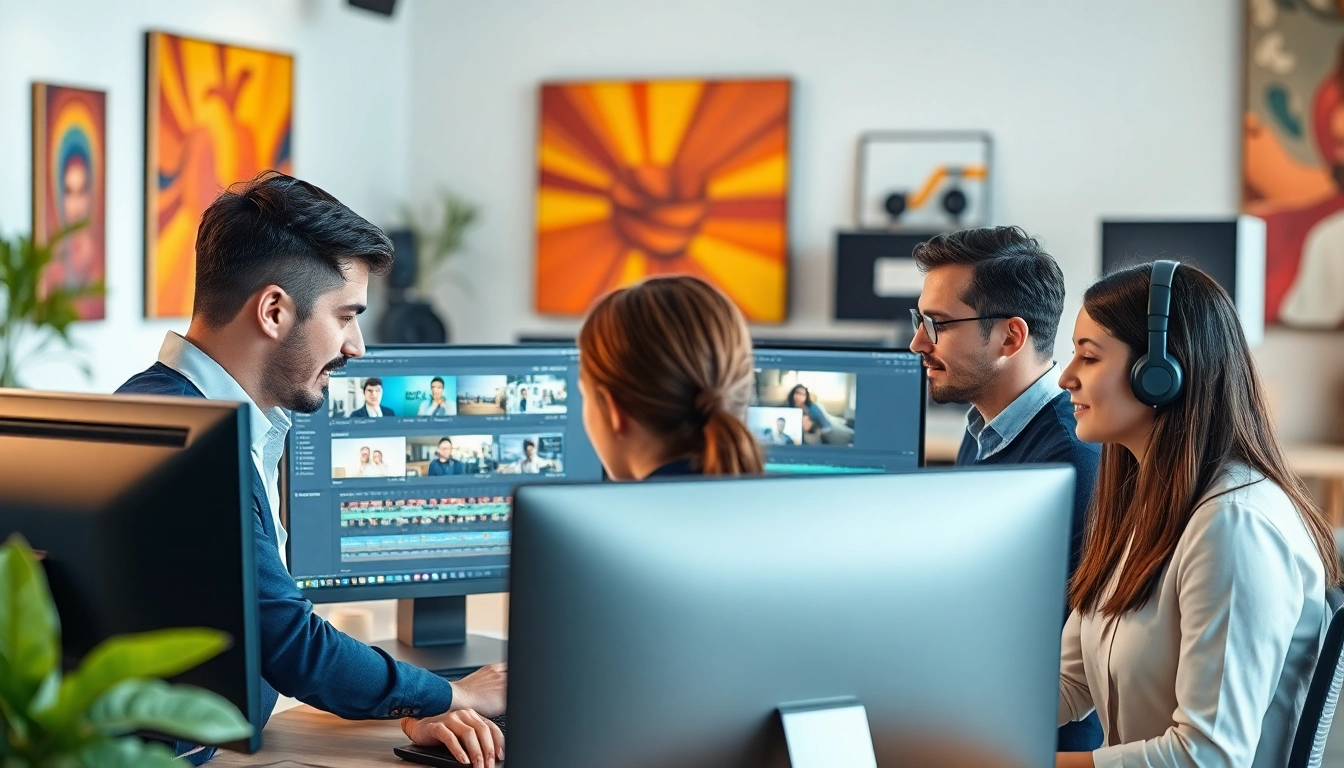
Understanding the Role of Professional Video Editors
In today's digital landscape, the role of professional video editors is more critical than ever. They are the driving force behind compelling storytelling, transforming raw footage into polished narratives that captivate audiences. Whether for documentaries, commercials, films, or social media content, video editors must understand both the technical and creative aspects of video editing to be successful.
The Skill Set of a Professional Video Editor
A proficient video editor must possess a diverse skill set that combines creativity, technical knowledge, and communication skills. Here are some essential skills and areas of expertise:
- Technical Proficiency: Familiarity with various video editing software such as Adobe Premiere Pro, Final Cut Pro, and DaVinci Resolve is essential. Understanding color grading, audio mixing, and effects is a must.
- Storytelling Ability: A great editor is also a storyteller. They must understand narrative structure, pacing, and how to evoke emotion through editing.
- Attention to Detail: Precision is crucial. The ability to identify and correct small errors can significantly enhance the final product.
- Time Management: Many projects come with tight deadlines, so effective time management skills are vital.
- Collaboration: Editors often work closely with directors, producers, and clients, requiring strong interpersonal and communication skills.
Challenges Faced by Video Editors
While video editing can be rewarding, it comes with its own set of challenges:
- Creative Blocks: Finding the right flow or vision can be difficult, especially after long hours of editing.
- Software Limitations: Editors may encounter technical issues with their software, which can hinder project progress.
- Feedback and Revisions: Dealing with varying client expectations can lead to numerous revisions, impacting both creativity and time.
- Balancing Quality and Speed: A fast-paced environment often pressures editors to deliver high-quality content quickly, which can be challenging.
Typical Work Environments for Video Editors
Video editors operate in various environments, including:
- Production Studios: Many editors work in house at studios that produce content for television, film, or online platforms.
- Freelance: Many professional video editors work as freelancers, giving them the flexibility to work on diverse projects while also managing their own schedule.
- Remote Work: With the rise of digital communication tools, many editors now work remotely, collaborating with teams across different geographical locations.
Essential Tools and Software for Professional Video Editors
To thrive in their roles, video editors utilize an array of tools and software that help streamline the editing process, enhance creativity, and maintain high-quality standards.
Popular Video Editing Software Explained
Some of the most popular video editing software options include:
- Adobe Premiere Pro: This industry-standard software offers versatile tools for editing, color correction, and audio mixing. Its seamless integration with other Adobe products adds to its appeal.
- Final Cut Pro: Preferred by many Mac users, Final Cut Pro is known for its powerful features and intuitive interface that make editing smoother and more efficient.
- DaVinci Resolve: Renowned for its color correction capabilities, it also provides a comprehensive editing suite for both amateurs and professionals.
- Lightworks: Offering a free version, Lightworks is excellent for budding editors looking to get quality tools without upfront costs.
Hardware Requirements for Optimal Performance
Choosing the right hardware can significantly impact the efficiency of video editing. Here are key components to consider:
- Processor (CPU): A strong processor, preferably multi-core, ensures smooth playback and quick rendering of high-resolution videos.
- Graphics Card (GPU): A powerful GPU enhances rendering speeds and supports real-time effects processing.
- RAM: Ample RAM (16GB or more) allows for smoother multitasking and better handling of large files.
- Storage: SSDs are preferable for faster loading times, with enough space for multiple high-definition files and projects.
Integrating AI Tools in Video Editing
Recent advancements in artificial intelligence have led to the emergence of various tools designed to simplify and enhance the editing process. Some AI tools include:
- Automated Editing: AI programs that help streamline the editing process by automatically cutting and organizing footage based on predefined criteria.
- Smart Color Correction: Tools that analyze footage to improve color balance and brightness levels automatically.
- Audio Enhancement: AI tools that clean up background noise and improve sound quality with minimal manual intervention.
Pricing Strategies for Professional Video Editors
Understanding pricing strategies is essential for video editors, especially if they are freelancers. Transparent pricing helps attract and retain clients, reflecting both the value of the service and the editor's expertise.
Factors Affecting Video Editing Costs
Several factors influence the rates that professional video editors charge:
- Experience Level: More experienced editors can command higher rates due to their established expertise and portfolio.
- Project Complexity: Projects requiring advanced editing techniques or specialized skills will typically have higher costs.
- Length of Footage: Longer videos usually lead to higher fees due to the increased time and effort required to edit.
- Location: Rates may vary by geographic region due to differences in local demand and competition.
Understanding Pricing Models in Freelance Work
Video editors often choose between several pricing models:
- Hourly Rate: Many editors charge based on the number of hours spent on a project, making it a straightforward billing method.
- Project-Based Pricing: Some editors quote a flat fee for a complete project, allowing for clearer expectations and budgeting for clients.
- Retainer Agreements: For clients with ongoing needs, editors may enter retainer agreements, providing services for a consistent fee over a specified time.
Comparative Rates Across Different Services
According to recent surveys, freelance video editors typically charge anywhere from $10 to $150 per hour, depending on their skill level and the complexity of the work. Simple edits for social media clips may start at lower rates, while professional-grade work can range significantly higher.
Trends Shaping the Future of Video Editing
The landscape of video editing is continuously evolving, thanks to technological innovations and changing viewer preferences. Understanding these trends can help editors stay ahead of the curve.
Emerging Technologies in Video Production
Several technologies are transforming video production:
- 4K and 8K Resolution: As more content shifts to higher resolutions, editors must adapt their workflows to handle larger file sizes and more complex editing requirements.
- Virtual Reality (VR): As VR gains popularity, video editors will need to learn how to edit immersive content strategically.
- Cloud-Based Editing: Cloud solutions are enabling real-time collaboration and storage, making it easier for teams to work together regardless of location.
The Rise of Remote Collaboration Tools
With the increase in remote work, collaboration tools like frame.io and Adobe Team Projects are becoming indispensable. These platforms allow team members to provide feedback in real time, enhancing productivity and communication.
Consumer Preferences and Market Demands
As consumer preferences shift toward engaging, bite-sized content, video editors must also adapt. Platforms like TikTok and Instagram require editors to focus on dynamic, engaging styles that capture viewer interest quickly.
Finding the Right Professional Video Editor for Your Needs
For businesses or individuals looking to collaborate with a professional video editor, finding the right talent is key to achieving desired results. Here’s how to find the perfect editor.
How to Evaluate a Video Editor’s Portfolio
When assessing potential video editors, consider the following:
- Variety of Work: A diverse portfolio showcases an editor's range and adaptability in different styles and formats.
- Quality of Edits: Look for clean, well-paced edits with strong storytelling that demonstrates the editor's skill.
- Client Testimonials: Positive feedback from previous clients can provide insights into the editor’s professionalism and work ethic.
Questions to Ask Before Hiring
Here are essential questions to ask potential candidates:
- What is your typical turnaround time for edits?
- Can you describe your editing process?
- How do you handle feedback and revisions?
- What is your preferred editing software?
- Can you provide references from past clients?
Best Platforms to Find Professional Video Editors
There are several platforms where you can find experienced video editors:
- Upwork: A popular platform for freelancers that allows you to post jobs and find video editors with the right skills.
- Fiverr: This platform enables you to browse video editors based on their portfolio and reviews, making it easier to find someone compatible.
- Behance: A creative network where you can view portfolios from various editors and find emerging talent.